
Guide
Automating supplier invoices: from email to a case ready for review
Published
AT A GLANCE
Connect invoice intake, extraction, duplicate checks, document matching and a controlled ERP import with human review.
THE PROCESS AT A GLANCE
From email to a case ready for review
Data, checks and decisions remain linked to the source document.
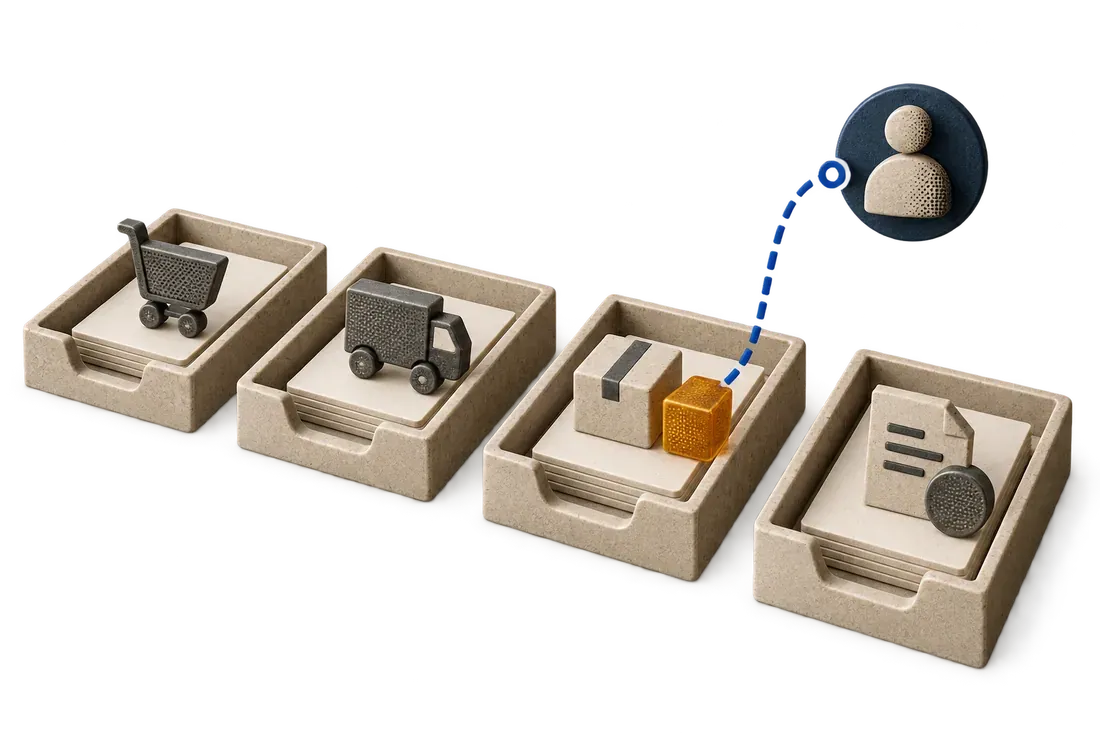
- CaptureRetain the invoice and propose the useful fields.
- CheckIdentify duplicates, missing references and discrepancies.
- Review and importAssign exceptions to an owner and record the transfer.
When an invoice moves from email to a spreadsheet and then into accounting software, your team enters the same data several times. Approval waits, references change and a resent document can become a duplicate. The lost time appears later as follow-ups and corrections.
To automate supplier invoice processing in a Moroccan SME, connect the steps in one case: email intake, extraction, duplicate and reference checks, exception handling, human review, then accounting or ERP import. OCR reads the invoice; your team's rules determine what is ready to record.
Start with the handoff that costs time
Choose one inbox, one invoice type and one destination system. Describe the path from receiving the document to accepting it for entry. Start with the capture, import and integration features already available in your software, using them when they meet the need.
If a handoff remains manual, list the fields actually used: supplier, invoice number, date, currency, amounts, order reference and, where required, lines, quantities and units. Always retain the source document link. The extracted number must be comparable with what the reviewer sees.
Separate extraction from validation
OCR produces candidate data. The workflow then checks the rules defined by your team: recognized supplier, required fields, consistent amounts, a located reference and possible duplicates.
To identify a duplicate, compare several attributes, such as supplier, number, date and amount. Comparing files alone may miss the same invoice resent as a photograph or a new PDF. An approximate match should trigger review rather than silently deleting a document.
When information is missing or uncertain, route the case to an exception queue with an owner and a specific action. 'Purchase order reference not found' is more useful than a general 'error' status.
Match supporting documents when the process requires it
Supplier invoice automation involves more than copying a total. For goods purchases, your team may need to compare the purchase order, delivery evidence, accepted receipt and invoice.
Fictional example: an order covers 60 units. A delivery contains 40, of which 4 are rejected. The accepted receipt is therefore 36 units, while the invoice lists 60. The case should display the 24-unit difference with the available evidence. The responsible person decides under your rules; extraction does not authorize payment.
This check forms part of our approach to matching orders, receipts and invoices. Partial deliveries, different units, credit notes and amended orders also need handling before extending the workflow.
Prepare an import you can verify
Before automating ERP entry, we check how your system actually accepts data: API, import or draft. We define access permissions and required fields, then test format errors and retries within a limited scope.
Each case retains its state and, after a successful import, its destination identifier. If a failure occurs, the team can see what was transmitted and what remains to retry. This record helps prevent a retry from creating a second invoice.
Measure the result on your documents
On a representative sample, compare entry and review time, corrected fields, detected duplicates, blocked cases and accepted imports. Include imperfect photographs and unusual documents. Define in advance which errors must block any import.
With Kaliits, the diagnostic starts with your entry process across documents, Excel, CRM and ERP. Prepare anonymized invoices, the expected fields and your validation rules. We scope the pilot around the handoff that costs you time and measure the result before extending it.
Continue with partial delivery and document matching. To discuss your own workflow, contact Kaliits.
Related reading
What happens when a supplier invoices more than the quantity accepted?
A receiving example that separates ordered, delivered, accepted and invoiced quantities before payment approval.
Read articleHow should partial delivery change PO, receipt and invoice matching?
Track each receipt and the open order balance while keeping invoice exceptions visible for human approval.
Read article
How can email, ERP and spreadsheets share one workflow without replacing the ERP?
Set clear system ownership, connect one recurring handoff and make exceptions visible before expanding.
Read article