
Guide
Document automation pilots: measure the work actually saved
Published
AT A GLANCE
Compare extraction, review, waiting and import against a defined baseline. A practical method for deciding whether a document-automation pilot should expand.
THE PROCESS AT A GLANCE
From document to decision
A simple review pattern to adapt to each workflow.

- SourceIdentify the document and source of truth.
- ExceptionShow what is missing or does not match.
- DecisionRoute the exception to the responsible person.
A tool reads an invoice in seconds. Your team then spends several minutes correcting lines, finding the order and retrying the import. The demonstration is fast. The operational result still needs measurement.
Compare the complete workflow with current practice before deciding whether to expand a pilot. Define a completed case, the human work to count and the errors that prevent acceptance before testing.
Define a verifiable end point
Processed might mean opened, extracted, reviewed or accepted by the ERP. These states measure different outcomes.
Choose a precise end point: required fields verified, exceptions decided and receipt confirmed by the destination. If the pilot ends at CSV export, state that boundary and measure the subsequent import separately.
Choose one channel, document family and team. Do not combine simple invoices, complex orders and import dossiers into one average.
Measure the current process first
On authorized cases, record entry time, searches, corrections, follow-up and recovery. Also record when a case waits for a person or missing evidence.
Keep active work separate from elapsed time. Saving five minutes of entry does not remove a wait for the supplier. Making an exception visible may shorten waiting without reducing decision time.
State the measurement limits: period, document types, participants, volumes and exclusions. An unusual week is not a reliable annual average.
Include exceptions in the sample
Include routine cases, difficult documents and known exceptions: weak scans, missing references, duplicates, ambiguous units, partial delivery and revisions. Keep their distribution visible.
Separate documents used to configure the workflow from those used to evaluate it. Testing only the examples used to tune the rules says less about future cases.
Arrange sensitive-data handling with the responsible person. Anonymization should preserve the difficulty being tested. Replacing every reference with perfectly readable text may remove that difficulty.
Count all human review
Track extraction, corrections, evidence searches, decisions and import verification for each case. Include recovery work. Document training and configuration separately even though they are not recurring per-case tasks.
Illustrative example: current entry takes six minutes. The new workflow requires two minutes of review and one minute of recovery. The observed saving is three minutes on that case, not six.
If some exceptions take fifteen minutes, show their contribution rather than burying them in an average. Where sample size supports it, report median active time, long cases and their causes.
Examine errors that pass the checks
Field-reading accuracy is insufficient. One incorrect critical amount or reference can make a case unusable even when other fields are correct.
Distinguish extraction errors, contradictions in the documents, false alerts and errors reaching the destination. Agree which errors must block the workflow.
Verify pilot decisions against source evidence and destination records. No observed errors in a small sample does not establish zero production risk.
Decide using results and operating conditions
Agree expansion criteria before testing: less active work, controlled critical errors, understandable exceptions, tested recovery and acceptance by responsible staff. Thresholds depend on your process.
Check recurring costs, access, support, actual volumes and native software features. An existing import may solve the problem with less maintenance.
Results may support expansion, a narrower scope or stopping the pilot. All three are useful decisions when based on verified cases.
Review the stages in our guide to intelligent document processing.
Request a Kaliits diagnostic with your document type, destination and current work. The scope should establish what the pilot can demonstrate and what remains to be checked.
Related reading
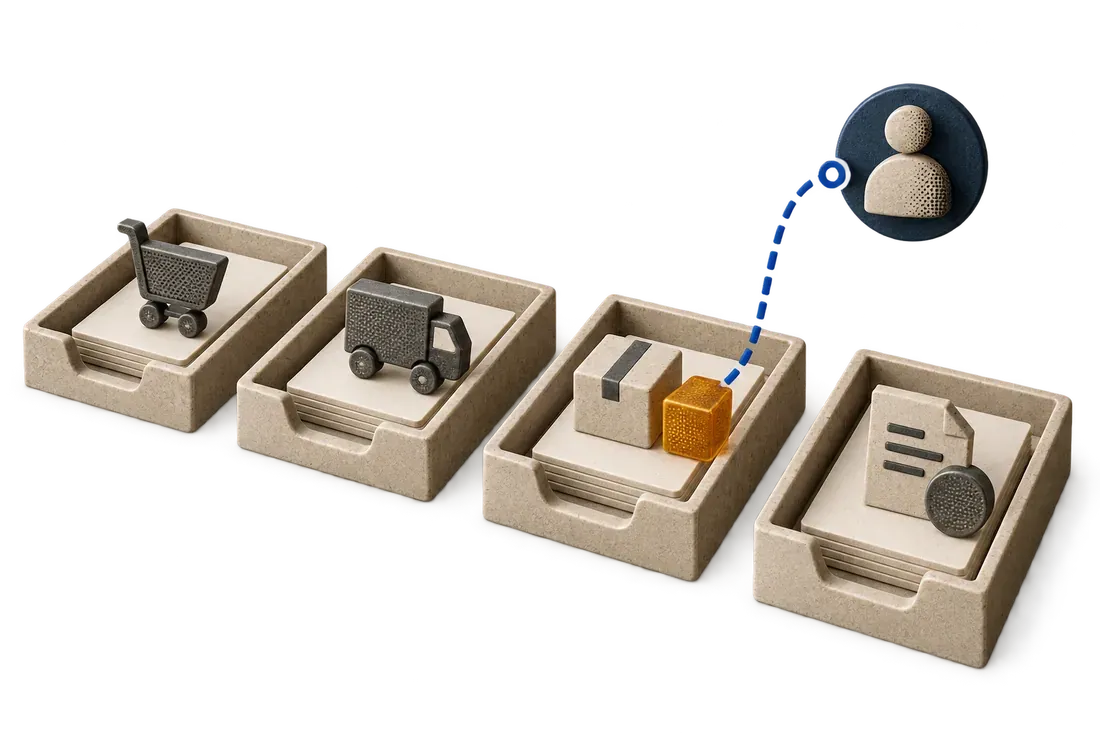
Automating supplier invoices: from email to a case ready for review
Connect invoice intake, extraction, duplicate checks, document matching and a controlled ERP import with human review.
Read article
Customer orders in PDF: prepare ERP entry without retyping every line
Prepare PDF orders for your ERP with catalogue references, units, revisions and human review before import.
Read article
What is IDP? Understanding intelligent document processing
A beginner's guide to document intake, classification, extraction, validation, human review and controlled export, with a fictional invoice workflow.
Read article