
Guide
Customer orders in PDF: prepare ERP entry without retyping every line
Published
AT A GLANCE
Prepare PDF orders for your ERP with catalogue references, units, revisions and human review before import.
THE PROCESS AT A GLANCE
From customer PDF to reviewed order
Document reading and catalogue rules work together.
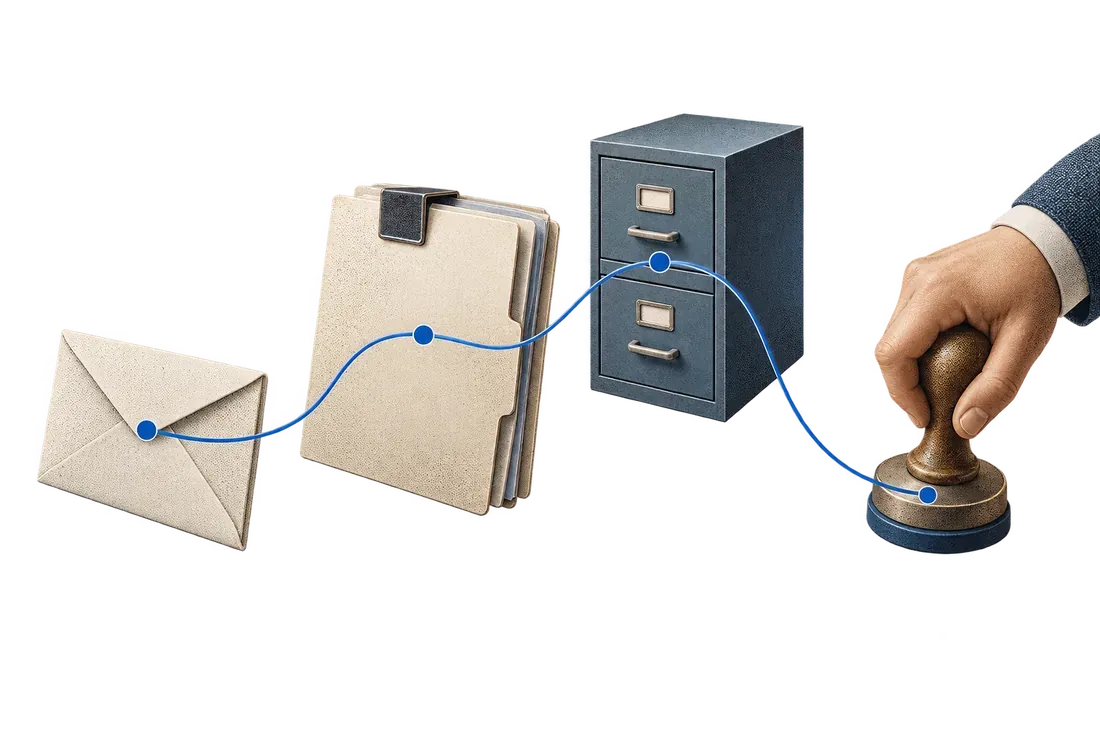
- ReadExtract the source document's header and lines.
- MatchMap references, units and version to approved rules.
- Review and importResolve ambiguities and control retries.
A customer order arrives as a PDF. The team retypes its lines, searches for internal references and corrects units before entering it into the ERP. A wrong match or overlooked version causes follow-ups, rework or a duplicate order.
To automate entry of customer orders received as PDFs, extract the header and lines, match references to your catalogue and resolve ambiguities before import. Start with one customer and one format. The key is matching what the customer requests to what your system must record.
Check what your existing system supports
Start with available CSV imports, APIs, structured exchanges or a customer portal. If the customer supplies a usable structured file, use it directly. Reserve OCR for documents that actually require image-based reading; usable text in a digital PDF can often be extracted directly.
When PDF remains the actual channel, choose a frequent, reasonably stable format. Keep the original message, attachment and purchase order version in the case.
Separate the header from the lines
In the header, identify the customer, order number, version, currency, addresses and requested date. For each line, prepare the customer reference, proposed internal reference, description, quantity, unit and commercial terms required for your checks.
Map customer references to your catalogue using an approved cross-reference table. A missing reference, several possible matches or a changed description triggers review. The owner sees the source line and proposed matches before selecting an item.
Make differences visible before import
Fictional example: a PDF specifies 12 cartons while the destination catalogue uses individual units. Conversion depends on the confirmed pack size for that item. The workflow must display the rule and request confirmation if it is missing, rather than sending '12' into the wrong field.
Also compare prices against agreed terms, requested dates and revision notes. Reading an order does not confirm production lead time or stock availability. Those decisions remain in your team's commercial and operational approval process.
Prevent duplicate orders
The same order may be resent after a follow-up or replaced by a revision. Use the customer, number and version to locate an existing case. A quantity change should appear as a modification to review rather than automatically creating another order.
Before the pilot, we establish how the ERP receives orders and when approval is required. We then test an interrupted import: the case records transmitted lines and the destination identifier where available. Recovery starts by reading what was created to avoid a second order.
Evaluate the pilot on varied cases
Include multi-page documents, lines split across pages, different units, a revised order and an unknown reference. Compare total entry and review time, corrections by field and cases requiring rework. Fast extraction can lose its value if review takes as long as the original entry.
With Kaliits, the diagnostic covers entry from documents into the ERP and handoffs across email, ERP and spreadsheets. Prepare anonymized orders, expected fields and matching rules, then request a diagnostic. We define an initial scope and the criteria for judging the result.
Source of the problem explored
A sign manufacturer describes retyping multi-page PDF orders in a public discussion. This is the author's reported experience outside Morocco. The rules and example in this guide propose a method; they are not results from an implementation for that author.
Read the manufacturer's public discussion
Continue with email, ERP and spreadsheet handoffs. To discuss your own workflow, contact Kaliits.