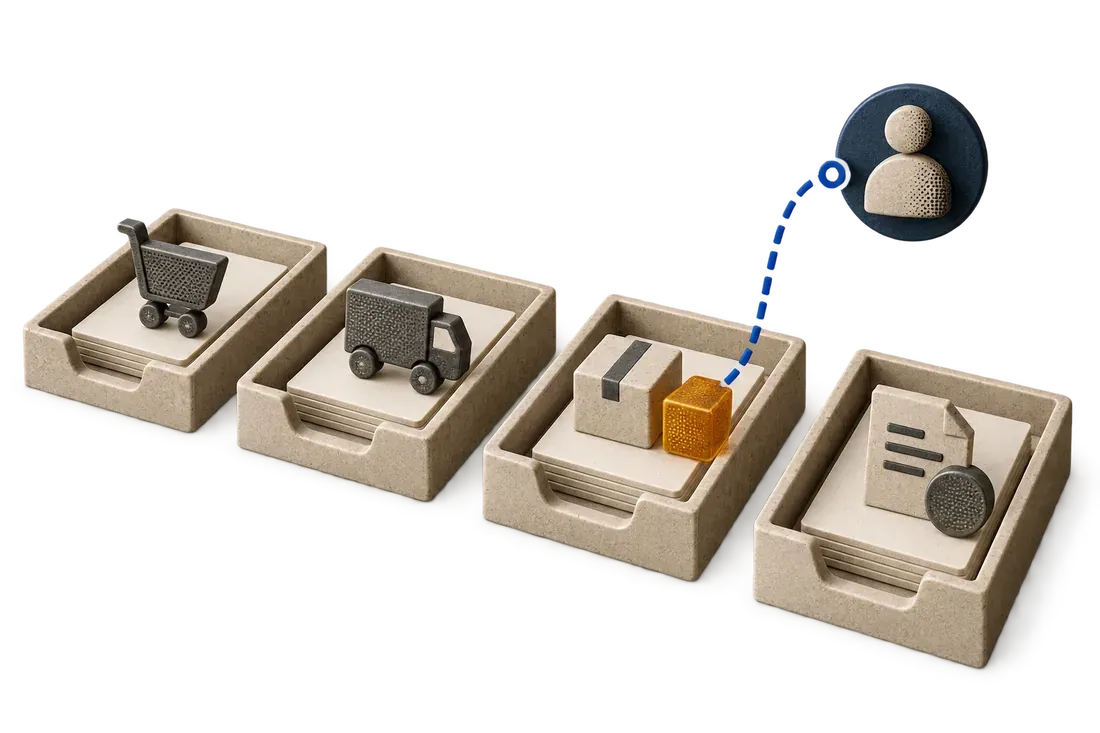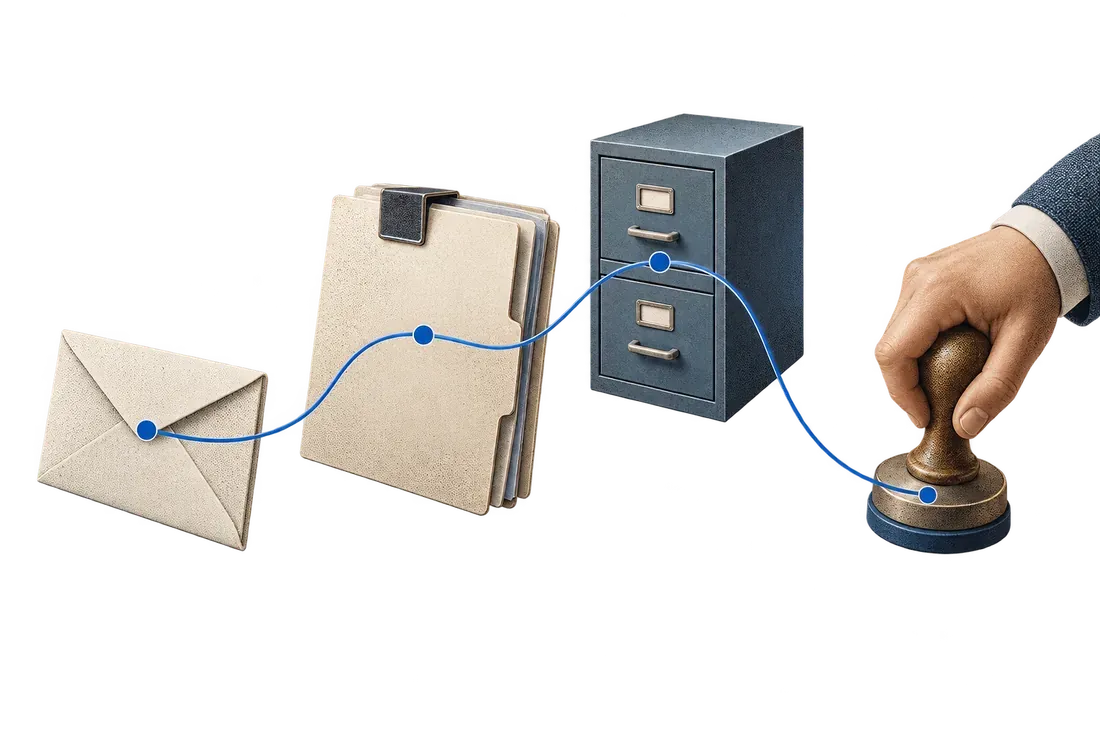
A supplier replies, “We can send 60 on Friday and the rest next week.” Your purchase order still expects 100 on Wednesday. Someone must identify the affected line, understand the disruption and decide whether to accept the new promise. An AI procurement agent can prepare that decision, provided a supplier email does not silently become an approved amendment.
Microsoft's Procurement Agent documentation describes supplier communications and change impact analysis in Dynamics 365 Supply Chain Management. As checked on 9 October 2026, it labels the feature a production-ready preview. This is a useful signal for purchasing automation, with availability and terms to check in your environment.
Preserve the order and the proposal separately
In fictional order PO-417, line 10 contains 100 units due Wednesday. The reply proposes 60 units for Friday and 40 units “next week.” Record the original commitment, proposed quantity and proposed date with the message and receipt time. “Next week” remains unresolved, not an invented Monday.
Link the reply using the supplier identity, order reference and affected line. A thread may mention several orders, quote an old promise or forward someone else's statement. If the reference is uncertain, send it to a reviewer. Do not attach the change to the most recent open order by default.
Separate delay, substitution and cancellation
A delayed shipment, reduced quantity, replacement item and price change require different checks. One email can contain several changes. Show each proposed difference against the current approved record rather than summarizing everything as “supplier confirmed.”
A buyer may accept the partial shipment, request a firm date for the balance or seek an alternative. Production and customer commitments may need review. Show the available facts and route the decision to the responsible owner. An unavailable production schedule should remain unavailable.
Approve before writing to the ERP
Start with a review screen or prepared amendment. Show the current value, proposed value, source message, unresolved fields and approver. Existing purchasing permissions still determine who can accept a change.
Before applying an approved amendment, check whether someone already updated the order. A concurrent correction can make the proposal stale. After applying it, read the destination record and confirm the expected values. If the connection times out, inspect the order before retrying. An uncertain response is not proof that nothing changed.
Keep the reply, approval, attempted update and confirmed result together. A reviewer can then explain why the order differs from its original version.
Evaluate the tools you already have
If your ERP provides supplier collaboration and controlled amendments, evaluate that route first. For a small flow, a shared mailbox and structured review register may suffice. A custom workflow becomes useful when messages are scattered, references vary or the current tools cannot present the evidence an approver needs.
Kaliits can scope message intake, extraction, exception review and a controlled handoff to your system. Mailbox connectivity, impact calculations and ERP write permissions require implementation and testing. An OCR demonstration alone does not establish those capabilities.
Test the difficult promises
Use authorized samples containing missing references, contradictory replies, duplicate messages, quoted history and ambiguous dates. Include an order changed manually between review and import. Measure correctly linked proposals, review time and unintended changes. Count an ERP update after destination confirmation.
For split receipts, see partial delivery reconciliation. For the surrounding tools, see email, ERP and spreadsheets.
Describe the supplier change that repeatedly creates work through the Kaliits services or workflow diagnostic. Start with an anonymized example, the system of record and the person authorized to approve a change.