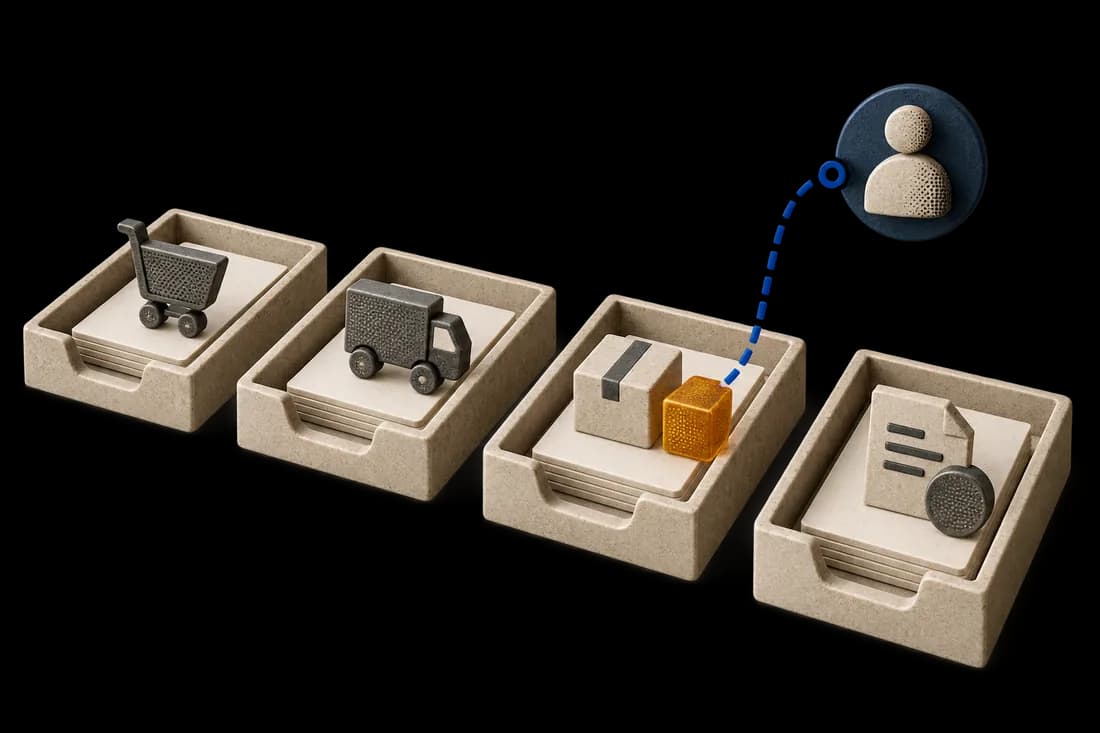
THE PROCESS AT A GLANCE
Partial delivery changes the open balance
Illustrative sequence to verify against your team's rules and records.
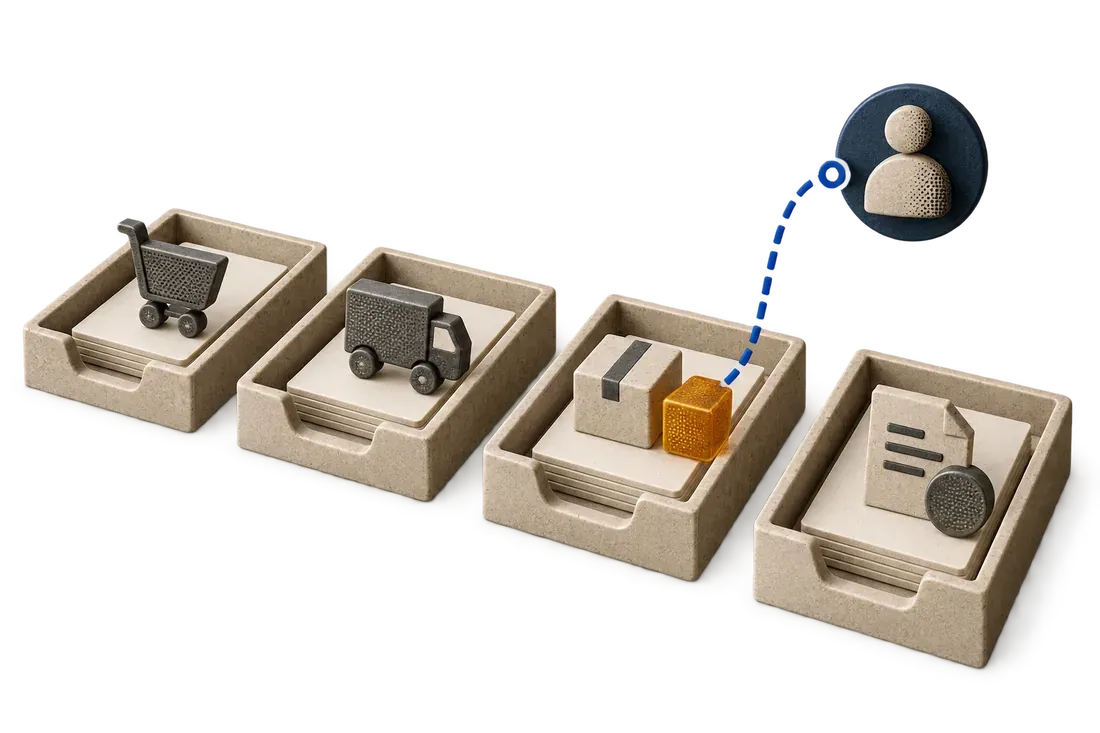
- Keep the original order quantity
- Record each delivery and accepted quantity separately
- Compare invoice lines with accepted units and the open balance
A partial delivery should leave the original purchase order visible, record each receipt separately, and match an invoice only to the quantity eligible under the company's agreement and acceptance rules. The undelivered balance remains open until the parties close or amend it; a single 'received' flag loses essential detail.
Follow one order through two deliveries
A purchase order is for 200 units. The first delivery brings 120; the receiving team accepts 115 and rejects 5 as damaged. The second delivery is expected later. A first invoice bills 120. The system should show ordered 200, delivered 120, accepted 115, invoiced 120, and an open order balance. It should flag the 5-unit accepted-versus-invoiced difference for review.
If the supplier later sends 80 units, enter a second receipt rather than changing the first receipt to 200. Preserve dates, delivery references and any damaged units. This gives purchasing and finance a traceable history rather than an end-state number.
These quantities are illustrative. After a second receipt of 80 accepted units, all 200 ordered units have been delivered, but only 195 are accepted. The initial undelivered balance of 80 has closed; the 5 rejected units remain a separate exception for an agreed replacement, credit or authorized decision.
Track undelivered goods, rejected goods and unallocated receipts separately
The undelivered balance, rejected quantity awaiting resolution and accepted quantity not yet allocated to invoices answer three different questions. A single remaining-to-process status makes follow-up ambiguous. After R1 in the fictional example, 80 units remain undelivered, 5 rejected units need resolution and 115 accepted units are available before invoice allocations.
Give each open item a reason, next action, owner and expected date. Purchasing follows the supplier's promise; receiving confirms another arrival or replacement; finance reviews the invoice and its corrections. Close a follow-up when its own requirement is met, even if another exception remains open.
Allocate several receipts without using the same units twice
Start with the purchase order line and approved unit. Record every receipt as a separate event, then link the quantities used for matching to the relevant invoice lines. One invoice may use several receipts; several invoices may use one receipt within the eligible balance under your rules.
Fictional example: invoice F1 is corrected to cover the 115 accepted units from R1 and is allocated to those units. R2 then supplies 80 accepted units. An F2 invoice for 85 units cannot be matched by reusing five units already allocated to F1. The additional five units still need supporting evidence. If a five-unit replacement arrives and is accepted, record it separately before reviewing the invoice again.
When two invoices arrive together, the workflow must account for confirmed allocations and quantities reserved during review. Converting a reservation into a confirmed allocation must not consume the same quantity twice. A cancellation releases or adjusts the allocation through a recorded decision.
Microsoft Dynamics 365 describes selecting the product receipts used to check invoice quantities. Exact behaviour depends on your system and configuration. Source: accounts payable invoice matching. Check native functions before adding parallel tracking.
Keep the supplier payment balance in the accounting system responsible for it. Accepted goods not yet invoiced and money still to pay are different balances. Complete delivery proves neither the resolution of every rejection nor financial closure.
Use a receipt register to retain the evidence
For each receipt, record the order number, item reference, date, delivery document, delivered quantity, accepted quantity, rejected quantity and inspection finding. Then link the invoice and decision to that receipt.
Download the partial delivery tracking template (CSV, French column labels). It contains the same fictional example. Copy the rows for your process and have the responsible teams confirm the rules before using it.
Decide what can be matched
Match at the purchase-order line, delivery and invoice line level, with units and prices aligned. Check whether the contract allows partial invoicing, whether the invoice refers to the first delivery, and whether tax or freight lines need separate treatment. A quantity match by itself is not approval to pay.
Handle the open balance
Keep the remaining quantity and expected date visible. If the supplier cancels the rest or substitutes goods, record an approved order change. If a credit note or corrected invoice arrives, link it to the original exception rather than deleting the first document.
The SIEMA purchasing demonstration illustrates this evidence chain with display values. Kaliits prepares purchasing mismatch control for a defined pilot. Test partial receipts, rejections, corrections and approval rules with your team before any invoice is released. Request a diagnostic with your software, monthly volume and a recurring partial-delivery issue.
Questions to settle before automation
Who enters physical acceptance? Who can change an order? Can finance pay a partially matched invoice? What happens after a late second shipment? These answers are process rules, not something an OCR model can infer from documents.