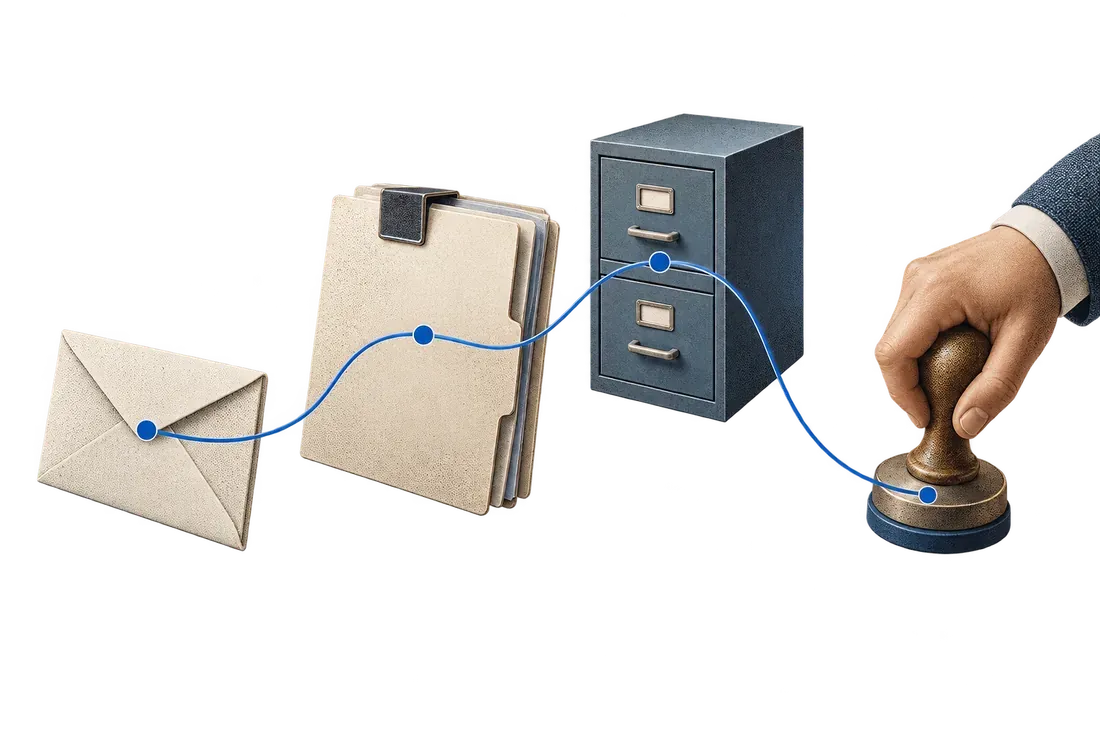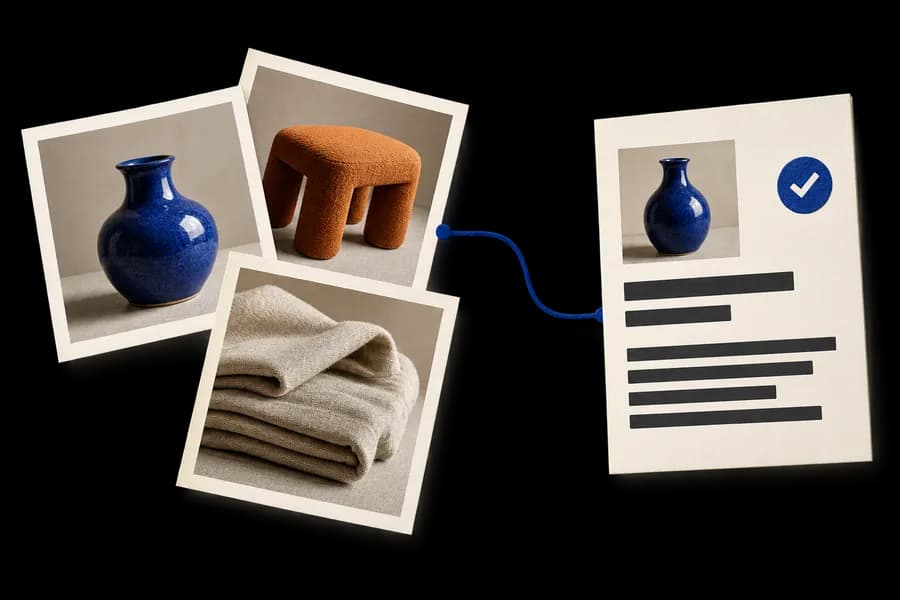
Your PDF-to-Excel conversion works. The workflow still stops when a colleague closes Outlook. Before improving extraction, establish where the order enters the business process and who owns that intake.
A public r/automation discussion describes PDF purchase-order processing tied to a desktop email client, with a distribution list used for the receiving address. This is an implementation report. It illustrates an intake dependency, not a proven Kaliits deployment.
Confirm what the receiving address actually is
An address visible to suppliers is not necessarily a mailbox that a server can read. Microsoft distinguishes distribution groups used to notify recipients from shared mailboxes used by multiple people. See its official group comparison.
Ask IT to identify the current address type, where messages are retained and which source the workflow may access. A shared mailbox, approved inbound service or existing ERP intake feature may fit. The correct choice depends on the organization's policies and systems.
Do not assume a mailbox change automatically grants application access. Authentication, consent, licensing, retention and access scope require separate validation by IT. Avoid transferring credentials from a personal desktop into a server process as an improvised shortcut.
Make receipt visible before processing
Create an intake record with the source account, source message identifier, received time, sender, attachment name and a content fingerprint. Keep the original attachment in an approved location and point the record to it.
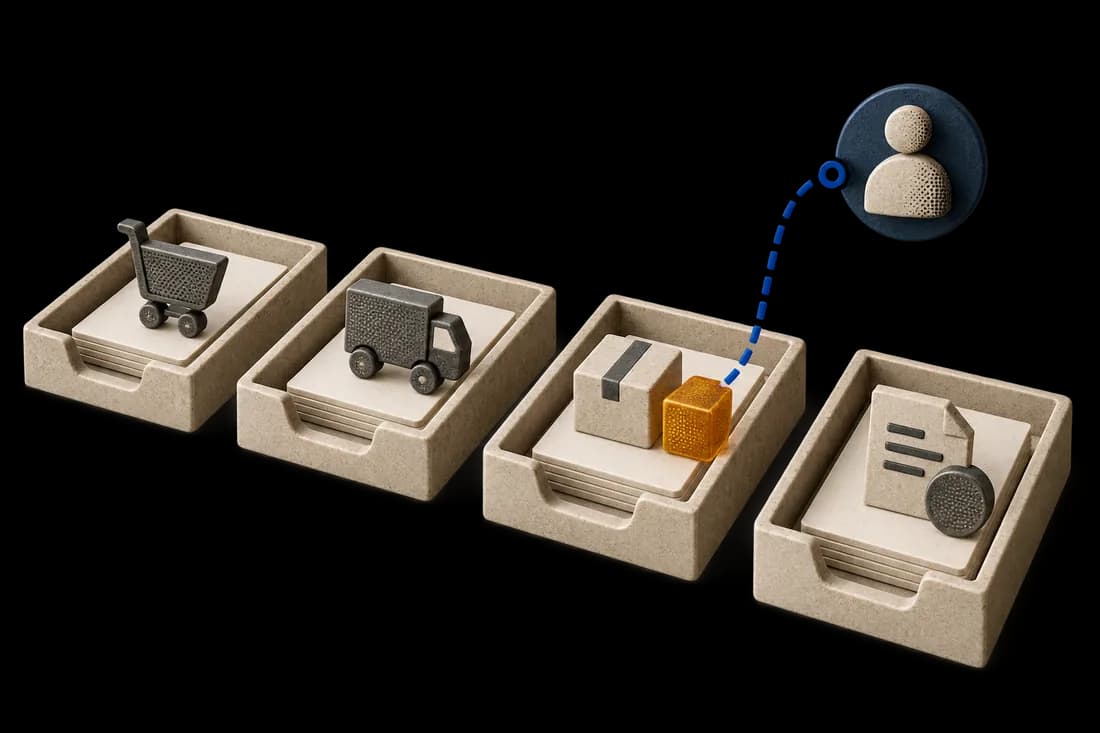
Show separate states for received, attachment captured, extraction pending, review required, approved for transfer and destination confirmed. An email detected without a successfully captured attachment must not appear as a processed order.
If a distribution list sends copies to several people, choose one approved intake source. Otherwise, several workers may each capture the same order. Establish the source before designing deduplication rules.
Distinguish a retry from a revised order
A failed extraction retry should continue the same intake record. A repeated submission may refer to the same business order. A revised attachment may require a new version and review. These are three different events.
Message identifiers and file fingerprints support technical duplicate checks, but they do not replace business references. Two differently named files can describe the same order. The same order number can also accompany a genuine revision. Keep those decisions visible.
A fictional failure test
An attachment is captured and extraction finishes, but the ERP import times out. The worker restarts. It should inspect the existing transfer state and destination evidence before submitting the order again.
If the destination outcome is unknown, place the item in reconciliation rather than guessing success or retrying blindly. A second order is a business error, even if the email capture and OCR both worked correctly.
Retain an operational owner
Assign someone to review failed capture, quarantined files, expired authorization and unclear destination results. Provide a controlled manual path when approved server intake is unavailable. A monitored manual process can be safer than an unattended personal-mailbox workaround.
Begin with the email or ERP features already approved. Scope custom integration around the remaining gap, with an administrator-approved access model and an agreed recovery procedure.
Validate the complete handoff
Test desktop closure, a repeated message, a revised attachment, a missing PDF, an authorization failure and an uncertain ERP response. Verify the retained source, review decision and destination record for each case.
Measure capture failures, unresolved-transfer age and duplicate destination records. Extraction accuracy is only one part of reliability. Kaliits workflow services can help map the intake, review and transfer controls around your current tools.