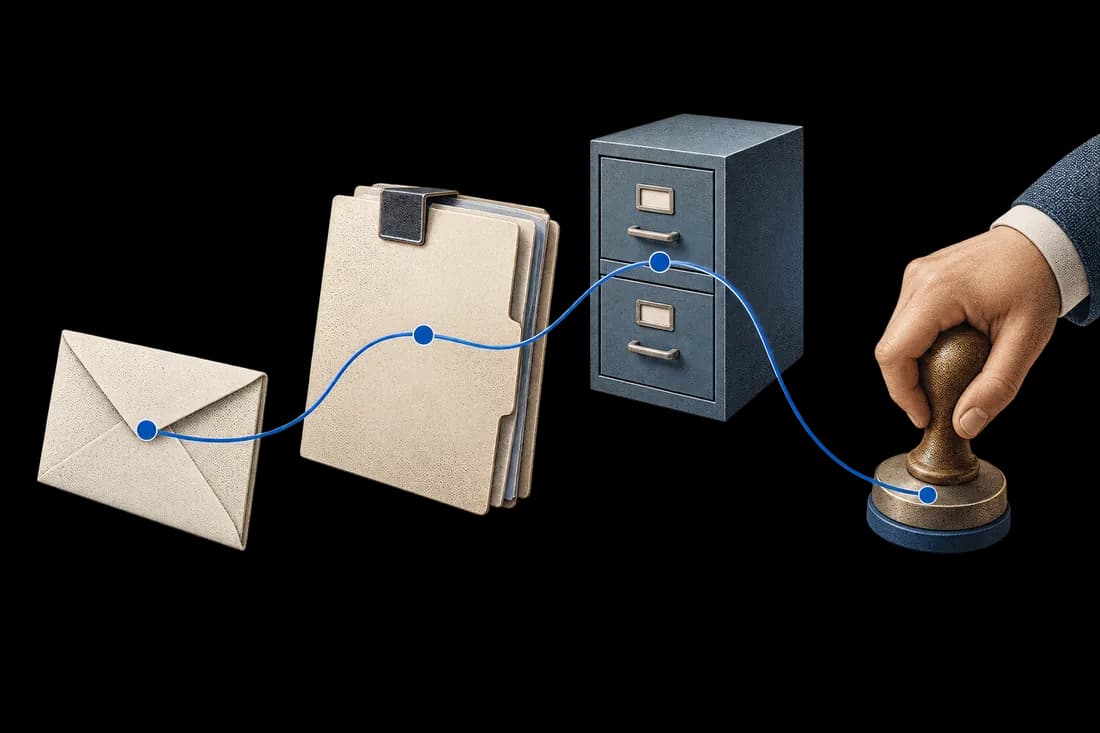
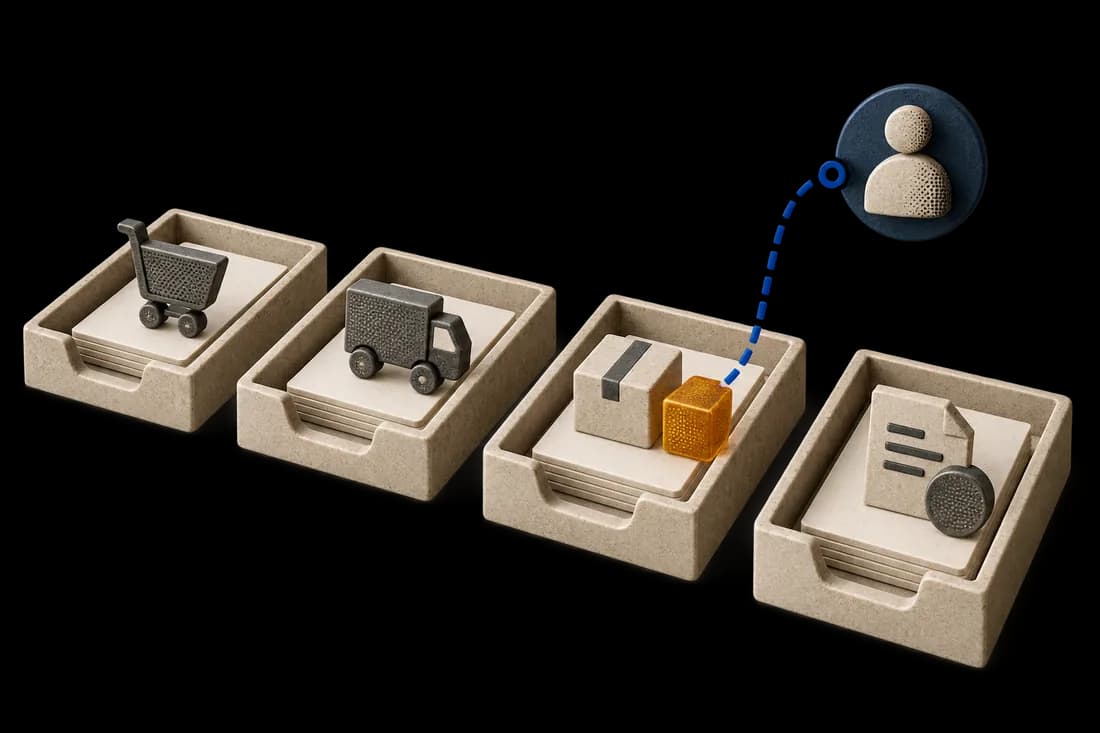
Choosing local or cloud AI for supplier invoices starts with a map of the information that leaves each step. The original PDF, extracted fields, review notes, logs and backups can follow different routes. A model running on your own server does not establish that the entire workflow stays there.
Cloudera and Mistral announced a partnership on 10 September 2026 around enterprise AI and sovereign deployment. That announcement reflects vendor positioning. Your decision still needs evidence about your actual system, access arrangements and operating responsibilities.
Draw the path from inbox to archive
For a fictional finance team, reception uses a cloud mailbox, OCR runs locally and reviewed fields enter an ERP hosted elsewhere. Calling this workflow “fully local” hides two destinations. Add the temporary store, reviewer screen, export file, logs, archive and backup service.
For each step, name the operator, data handled, location, access roles and retention rule. Record whether support can access originals or extracted fields. Identify copies remaining after deletion. The diagram is useful when someone can validate each box, not when it simply repeats a vendor's architecture.
Inspect diagnostic logs as well as documents
Troubleshooting can create another copy of sensitive information. A failed extraction may place invoice text in an error report; a review export may include supplier identifiers; a support attachment may contain the original PDF.
Agree what logs may contain and how long they remain. Keep enough information to investigate an import without copying the entire document unnecessarily. Test a deliberately failed sample and inspect its log destinations. Include monitoring and backup tools.
These checks complement the broader controlled workflow for sensitive documents. They accompany the legal, contractual and security review appropriate to your organization.
Compare operating responsibility and model fees
Local deployment needs hardware, model maintenance, access management, backup and recovery ownership. Cloud processing requires review of provider settings, dependencies and variable charges. Either route can fail during a busy receiving period.
Estimate cost using volume, pages, peak load and actual review effort. Include installation, monitoring and staff time. Do not assume local hosting is always cheaper, or that a lower extraction price reduces total cost. More manual corrections can consume the apparent saving.
If a cloud processing response is uncertain, verify job and billing state before retrying. Recovery should avoid an accidental second processing charge and a duplicate accounting import.
Apply identical invoice acceptance checks
Use the same authorized samples for both options: digital PDFs, scans, phone photographs, long line-item tables and documents needing review. Compare supplier references, invoice numbers, dates, decimal values and line structure against a reviewed reference.
Deployment location cannot compensate for a missing invoice line. Follow the invoice OCR testing guide, then check how corrected values reach the destination. Keep source evidence available to reviewers in either setup.
Choose a bounded pilot with a written data map
Start with one invoice type, receiving channel and destination. Write down permitted processing locations, operators, access roles, retention and recovery responsibility. Test a rejected document, failed import and restoration before extending scope.
If your accounting tool already meets these requirements, its native import and review controls may suffice. A custom workflow becomes useful when the current route cannot satisfy a defined data path or handoff. Kaliits can map the workflow and evaluate a scoped local or cloud implementation. Feasibility depends on models, infrastructure and integrations.
Use the workflow diagnostic to describe volume, channels, destination and required data locations. Begin with anonymized structures rather than sharing live supplier invoices.