
Guide
Duplicate supplier invoices: catch them before accounting import
Published
AT A GLANCE
Resent PDFs, photos of the same invoice and retried imports need different controls. Learn how to flag duplicates without discarding legitimate records.
THE PROCESS AT A GLANCE
From document to decision
A simple review pattern to adapt to each workflow.
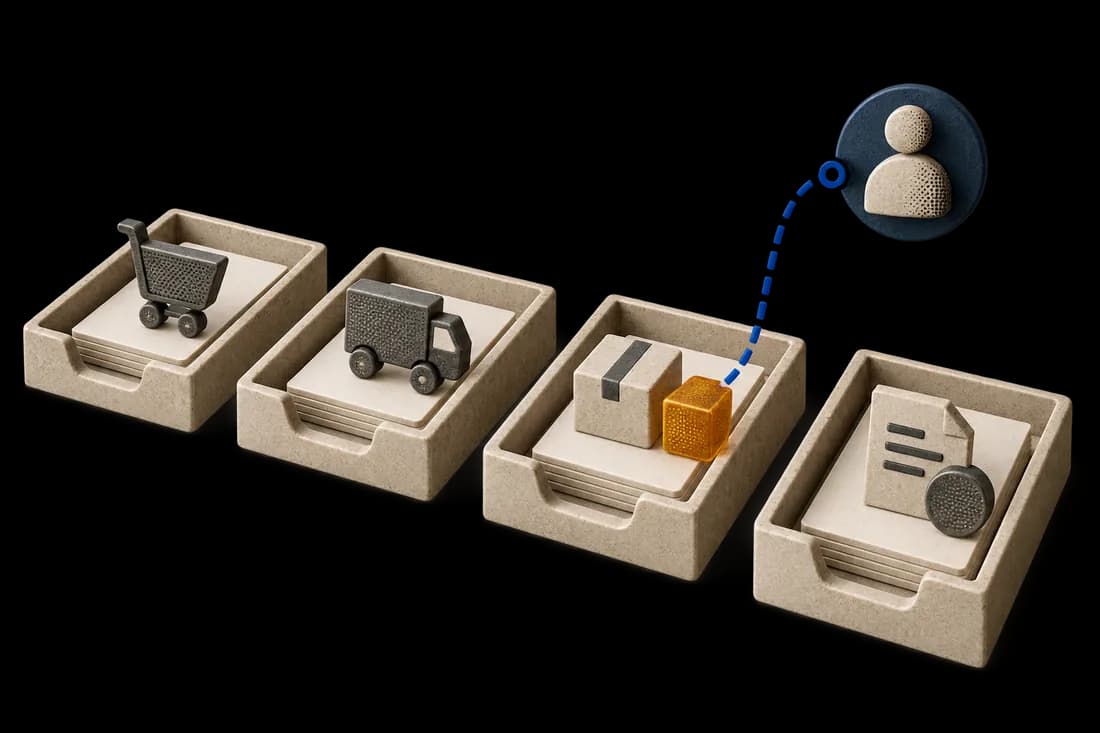
- SourceIdentify the document and source of truth.
- ExceptionShow what is missing or does not match.
- DecisionRoute the exception to the responsible person.
An invoice arrives by email. The supplier resends it a few days later, and a colleague adds a photo of the same document. Three files enter the queue. Without a link to the existing invoice record, each can follow its own approval path.
The first objective is to make these repetitions visible before accounting import. An identical file, the same invoice in a different format and a repeated submission to the ERP are different cases.
An identical file is only the first case
A file fingerprint can recognize exact copies. It cannot reliably identify the same invoice after rescanning, photographing or saving it as a new PDF.
Keep an identity for each received attachment and another for the invoice record. Several attachments can belong to one record without becoming several invoices to post. Preserve arrival dates and channels so reviewers can understand the resend.
Match references within the supplier context
An invoice number alone is insufficient. Different suppliers may use the same number, and a supplier may reuse a sequence across years.
Compare agreed fields such as the recognized supplier, invoice number, date, currency and amount. The selection depends on your process and reference data. Uncertainty about the supplier must remain visible.
Normalizing spaces or letter case can help searching. Removing every punctuation mark can merge distinct references. Keep the original value alongside the normalized one.
Similarity should trigger review
Illustrative example: invoice F-1048 for MAD 8,400 arrives as a PDF. A photo is read as F-IO48 with the same date and amount. That similarity justifies showing both documents to a reviewer. It does not justify deleting the photo or marking the invoice as already posted.
Show the matching reason, compared values, source documents and first invoice's status. The responsible person can confirm a duplicate, retain supporting evidence or distinguish separate transactions.
A corrected invoice or credit note may resemble the original while serving a different purpose. Preserve that relationship instead of treating every similar document as a copy.
Control import retries too
The application sends an approved invoice to the ERP, but the response is lost. Retrying immediately could create a second entry even though the first submission succeeded.
Check the destination using its available identifiers or references before retrying. If it supports idempotent requests, use that mechanism to identify repeated operations. Otherwise, define reconciliation and controlled recovery.
A timeout does not prove failure. Distinguish not submitted, submitted and confirmed, and outcome awaiting verification. Accounting approval stays with your established process.
Start with existing software controls
Check your accounting software or ERP for invoice searches, supplier-number checks, warnings, import logs and transaction lookups. A properly configured native control may cover the need.
Additional automation is useful when copies arrive through multiple channels, evidence is scattered or staff cannot quickly find processing status. It should work with the accounting system under defined access and scope.
Measure useful alerts
Build an authorized, anonymized test set containing exact copies, photos, misread numbers, distinct but similar invoices, corrections, credit notes and import retries. A business owner establishes the expected relationships before testing.
Measure confirmed duplicates, missed duplicates, false alerts and review time. A queue full of false positives can recreate the work it was intended to remove.
See the full process in our guide to supplier invoice processing.
Kaliits starts with your intake channels, business rules and destination software. Request a diagnostic to scope the control worth testing before expanding the workflow.
Related reading
Automating supplier invoices: from email to a case ready for review
Connect invoice intake, extraction, duplicate checks, document matching and a controlled ERP import with human review.
Read articleHow to match documents: references, line items and exceptions
Learn to match orders, receipts and invoices using source evidence, normalized fields and explicit rules, including partial deliveries and accepted quantities.
Read article