
Guide
Construction receipts: automate entry without losing the project code
Published
AT A GLANCE
Connect each receipt to its project: mobile capture, extraction, confirmed allocation, approval and controlled export.
THE PROCESS AT A GLANCE
From receipt to confirmed project
Capture combines the evidence with the expense context.
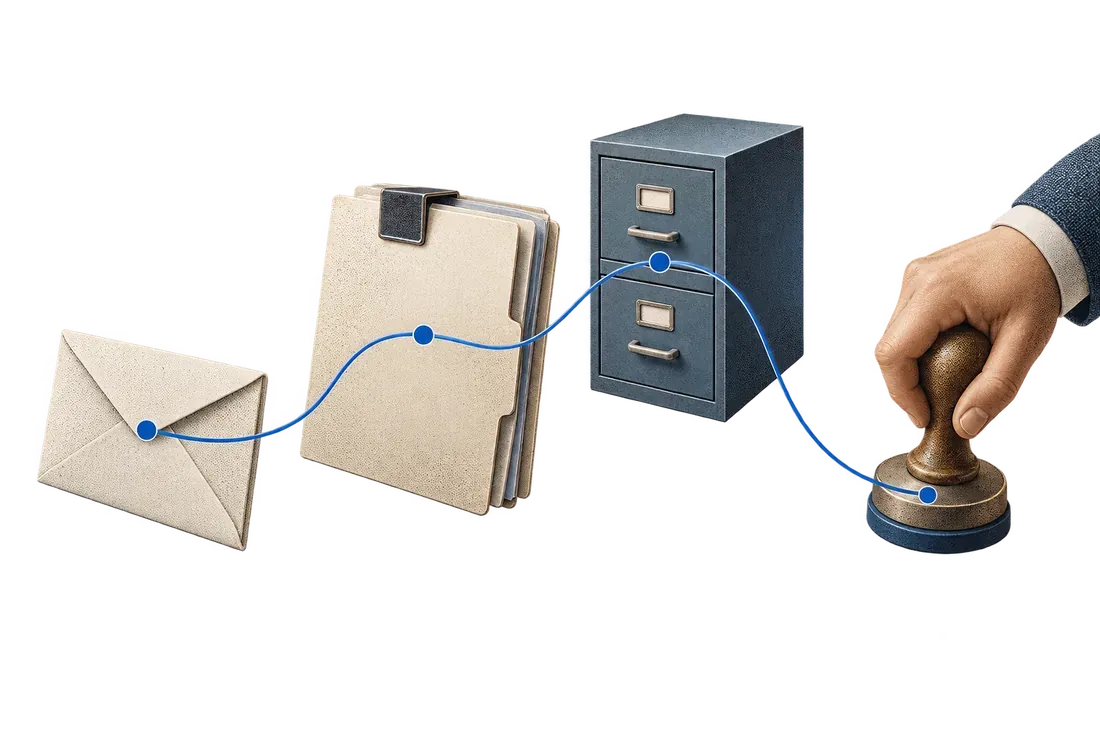
- CollectComplete photograph, selected project and identified submitter.
- ConfirmConfirm the allocation and any split across projects.
- ExportTransmit approved data with its supporting evidence.
A construction receipt arrives as a photograph without a project code. Accounting waits for clarification, follows up with the site team and postpones entry. If the allocation is guessed, the correction appears later in expense tracking. A perfectly legible photograph cannot resolve missing context.
To automate construction receipt entry, connect evidence capture with allocation and approval. OCR extracts the supplier, date and amount. The project, cost code and approval owner must come from a reliable source or your team's confirmation.
The first question is straightforward: when does the receipt receive its project code? The answer determines where capture belongs, who confirms the allocation and which clarification requests can be removed.
Capture context when the expense occurs
Start with mobile capture and approval features in your expense or construction management software. Use them if they meet the need. For a remaining manual step, prepare a short form suitable for site staff.
Request a complete photograph, a project selected from an up-to-date list, the submitter's identity and, if needed, the cost code. Avoid freely typed project names when people use different abbreviations.
Include a 'project to confirm' option: assign the receipt to someone who knows its allocation. Submitting the evidence and approving the expense remain separate steps.
Extract what the document can actually support
OCR can propose the supplier, date and amounts. It cannot reliably recover a project code absent from the receipt. A supplier serving several sites is not sufficient evidence of allocation.
Show the receipt beside the proposed data and flag uncertain fields. Keep the original and a correction history. If the receipt is cropped, blurred or incomplete, request a new capture before continuing.
Handle split allocations and duplicates
Fictional example: a MAD 1,500 receipt covers two projects. The owner confirms a 60/40 split, or MAD 900 and MAD 600. The workflow checks that the parts total MAD 1,500 and retains that confirmation. It does not infer the split from the shop's name.
The same receipt may arrive as a photograph, email and scan. Compare several attributes and review possible matches. Allow for two legitimate purchases with the same amount: duplicate detection must provide evidence without erasing an expense.
Organize approval and export
Define who confirms the project, who checks the data and who authorizes transfer to accounting. Use understandable states: incomplete receipt, allocation to confirm, ready for review, approved, exported or export failed.
Link each exported row to its evidence with an identifier. Before the pilot, we verify the fields and permissions required by your software and test recovery from an interrupted export. Transmission status remains visible so a retry does not create a second expense.
Test with the site team
Choose one project and a small group of participants. Include receipts covering several projects, duplicates, difficult photographs and late submissions. Measure clarification time, complete cases and corrections needed before export.
Also measure the effort required from site staff. If the form is too long, evidence may return to unstructured conversations. Simplify capture before adding more automation.
With Kaliits, the data-entry pilot starts with your receipts and existing system. Prepare anonymized evidence, your project list and current approval process, then request a diagnostic. We scope capture, allocation and export around one project and measure the outcome on your own process.
Sources of the problem explored
Public discussions about remote accounts payable in construction and receipts that need project-manager coding describe their authors' reported experiences. They help identify a problem; they do not establish its frequency in Morocco or demonstrate a solution's results.
Public discussions: Remote accounts payable in construction; Receipts and project coding.
Continue with email, ERP and spreadsheet handoffs. To discuss your own workflow, contact Kaliits.